
Digital tap list for homebrewers
Put your kegerator's taps on a TV, a phone menu with QR code and a printable PDF, straight from the brews in your brewing app. Included in BrewForge Pro ($29.99/year), no second subscription and no API key.
From brew to glass
The tap list lives where your beer is brewed
Recipes, brew day, fermentation, cellar and tap list in BrewForge Pro for $29.99/year.
Name, style, OG, FG, ABV, IBU and color come from the brew. Override any of them for the menu.
The same beer list feeds the web menu, the PDF, the QR code and the TV screen.
Beer lists with taps and a keg queue Pro
Make a beer list per bar, kegerator or event. Put a beer on each tap, queue the next keg, and promote it when the old one kicks.
- Add beers from your brews, values stay in sync
- Optionally add every brew you mark as completed
- Custom and guest beers for anything you didn't brew in BrewForge
- Serving styles: tap, bottle, can, growler
- Next-up queue per tap, promote with one click on keg day
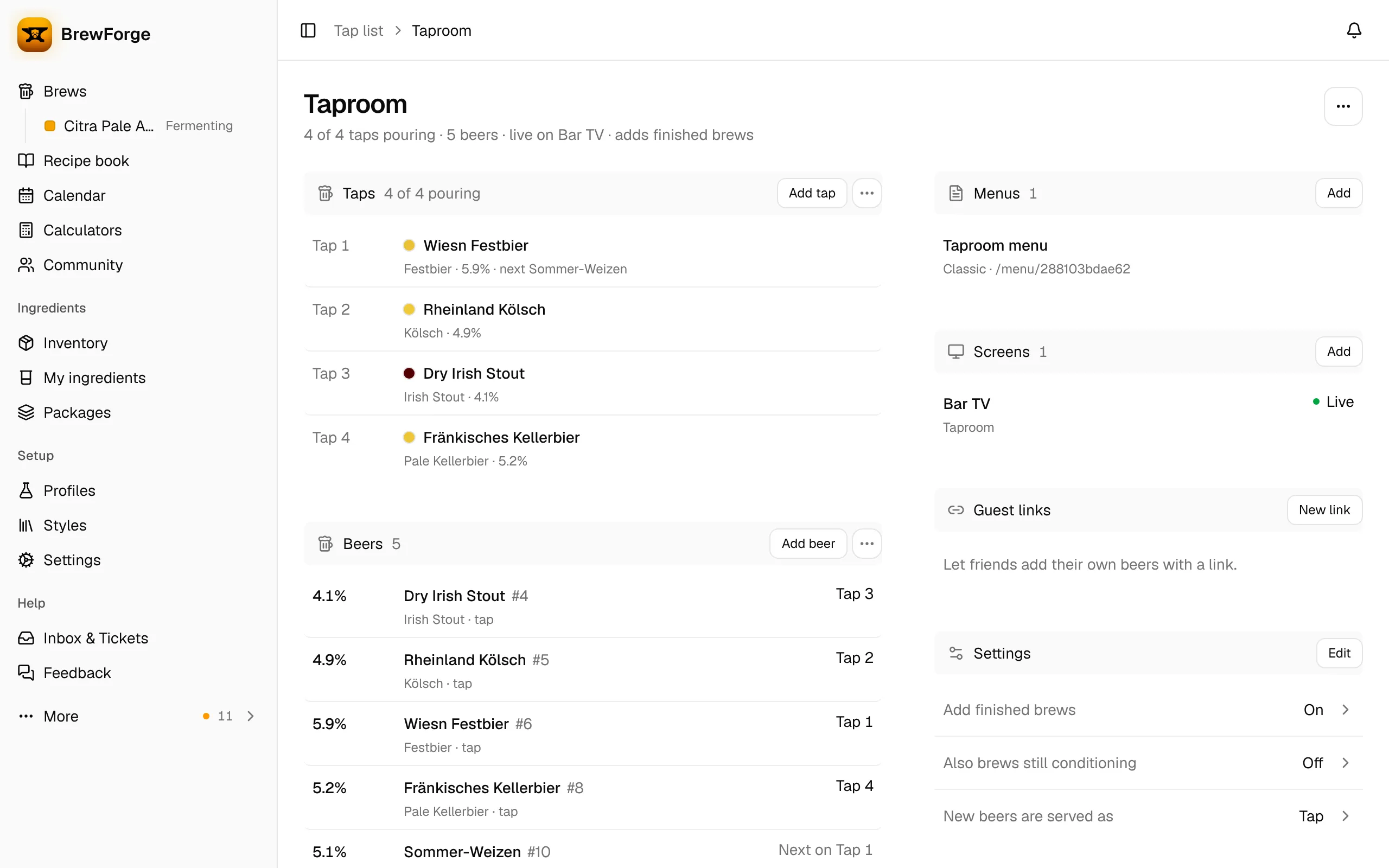
Drink menu: web page, PDF and QR code Pro
Deploy a menu to a beer list and it gets its own public page. Guests scan the QR code on the table; the PDF goes on the wall or into the club newsletter.
- Public menu page guests open on their phone, no login
- PDF download in A4 or Letter
- QR code for tables and the bar
- Starting designs: Classic, Modern, Brewery, Taphouse Board, Minimal
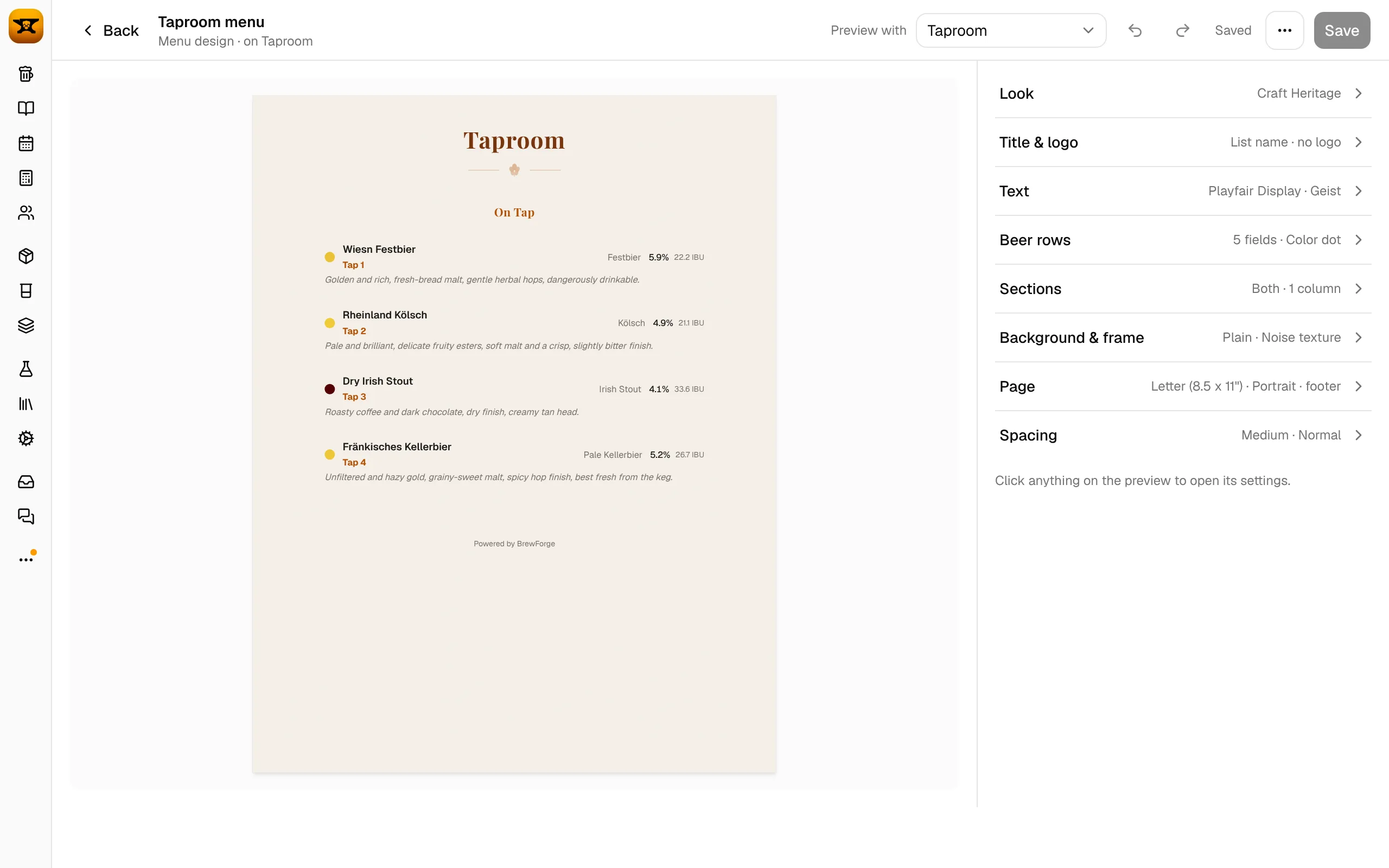
TV screen for the kegerator Pro
Open the screen link in the browser of any TV, or a computer or stick connected to it, and switch to full screen. Change a tap in BrewForge and the screen follows.
- Runs in any browser in full screen, no app to install
- Checks for changes every 30 seconds and fades to the new taps
- Pause a screen and resume it without changing the link
- Designer with templates, fonts, colors, your logo, fields and columns
- Animations (slide in, fade up, chalk write) and 16:9, 16:10, 4:3 or 21:9
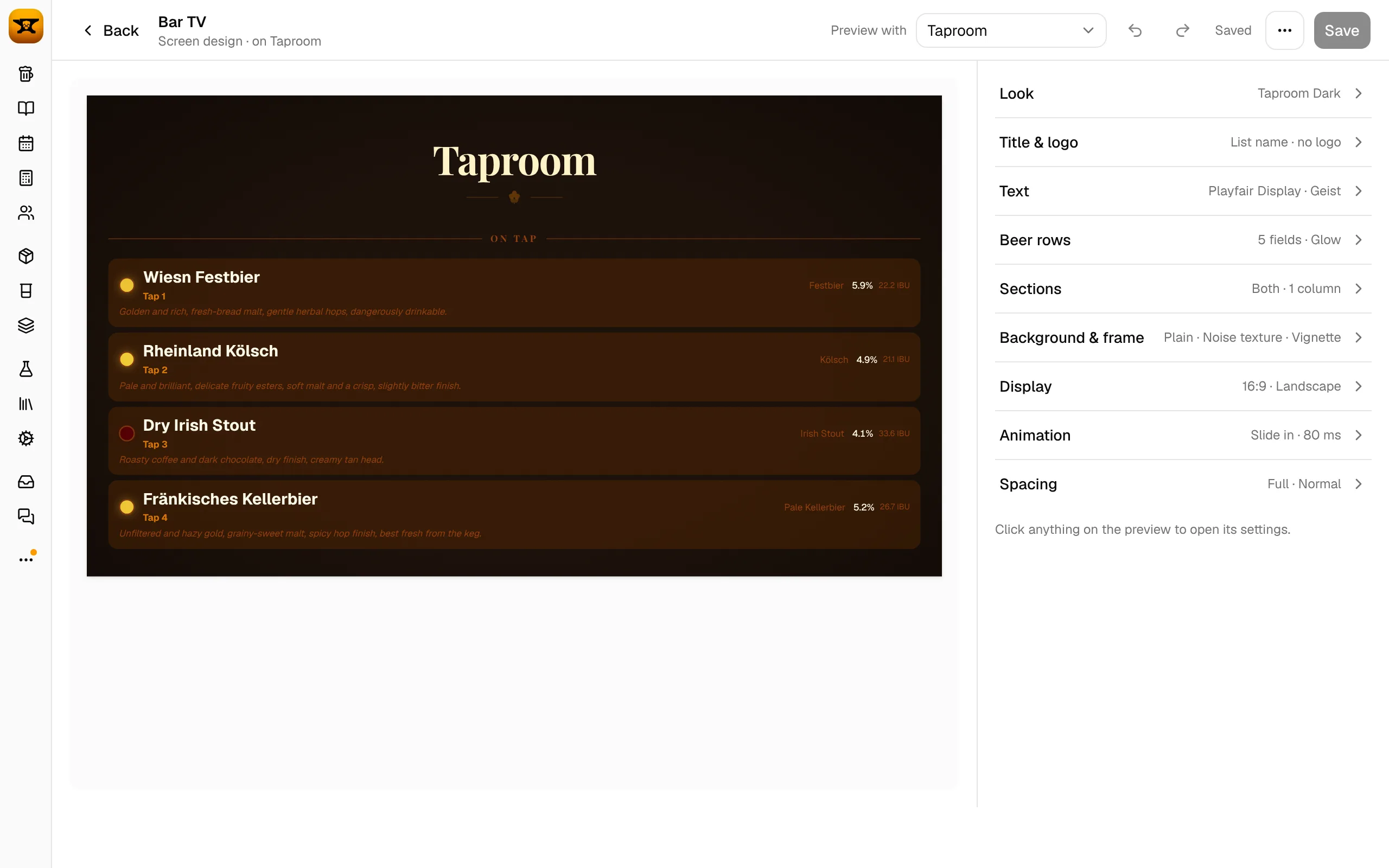
Club nights and homebrew festivals Pro
Send a shared link to the brewers who bring beer. Each of them enters their own beer, and it shows up on your menu and screen.
- Guest brewers don't need a BrewForge account
- Set how many beers a link can add and when it expires
- Revoke a link at any time; beers already added stay
- Guest beers can go on a tap like your own
Kegs in the cellar, stats on e-ink Pro
The tap list shows what's pouring; the cellar knows what's left. Both are part of Pro.
- Litres left per keg and bottles per beer in the cellar
- Keg scales or volume sensors keep the litres up to date (shown in the cellar, not on the screen)
- Show fermentation and stock on a TRMNL e-ink display
Compared
BrewForge vs homebrew tap list tools
| Feature | BrewForge | Brewboard | Tapitgood | Taplist.io | RaspberryPints |
|---|---|---|---|---|---|
| Part of a brewing app | |||||
| Beers from your brews | Built in | Brewfather / Brewer's Friend API key | Brewfather / Brewer's Friend API key | Brewfather / Brewer's Friend, beta | Import |
| TV screen | Browser | Chromecast on paid plan | Browser | TV apps | |
| Printable PDF menu | Not stated | Not stated | PartlyPaid plan | ||
| QR code menu | Not stated | PartlyPaid plan | |||
| Guest brewers add their own beers | |||||
| Prices on the menu | PartlyPaid plan | PartlyPaid plan | |||
| Keg fill level | PartlyIn the cellar, not on the screen | Plaato Keg | Plaato Keg | Flow meters |
Where the others are ahead: they can show prices on the menu, Taplist.io has native TV apps, and Tapitgood, Taplist.io and RaspberryPints can show keg levels on the screen. BrewForge shows the menu and screen in the browser and keeps keg levels in the cellar. "Not stated" means the vendor's site doesn't say.
Prices
What a homebrew tap list costs
Prices in USD as published on the vendors' websites, as of November 2026. Check the vendor's site for current prices. All BrewForge plans
Tap list on the TV in three steps
No Raspberry Pi to set up and no app to install: the screen is a web page.
- 1Make a beer list
Add your taps, pick beers from your brews, and put them on the taps.
- 2Deploy a screen
Pick a screen design, adjust it in the designer and deploy it to the list.
- 3Open the link on the TV
Open the screen link in the TV's browser and switch to full screen. Tap changes show up within 30 seconds.
FAQ
Questions brewers ask
Does Brewfather have a tap list?
No. Brewfather points to separate tap list tools such as Brewboard, Tapitgood or Taplist.io, which read your batches through a Brewfather API key and have their own plans. BrewForge has the tap list built in, and you can import your Brewfather recipes and batches.
Which TV can show the tap list?
Any TV with a web browser, or a computer, stick or box connected to it. Open the screen link and switch the browser to full screen. There is no native TV app.
What does the tap list cost?
The tap list is part of BrewForge Pro at $29.99/year, together with the brewing app, inventory planner and cellar. Pro has a one-month free trial.
Can friends add their beers for a club night?
Yes. Create a shared link on the beer list and send it to the brewers. They add their beers without a BrewForge account. You set how many beers the link can add and when it expires, and you can revoke it any time.
Can I show prices on the menu?
Not at the moment. Menus and screens show the tap, name, brewer, style, ABV, IBU, OG, FG, color and tasting notes.
Can I print the menu?
Yes. Every deployed menu has a PDF download in A4 or Letter, and a QR code that opens the web menu.
Your kegerator deserves a tap list.
Brewing app and tap list in one. Free to start, Pro free for a month.